A delivery app is three apps and a control panel
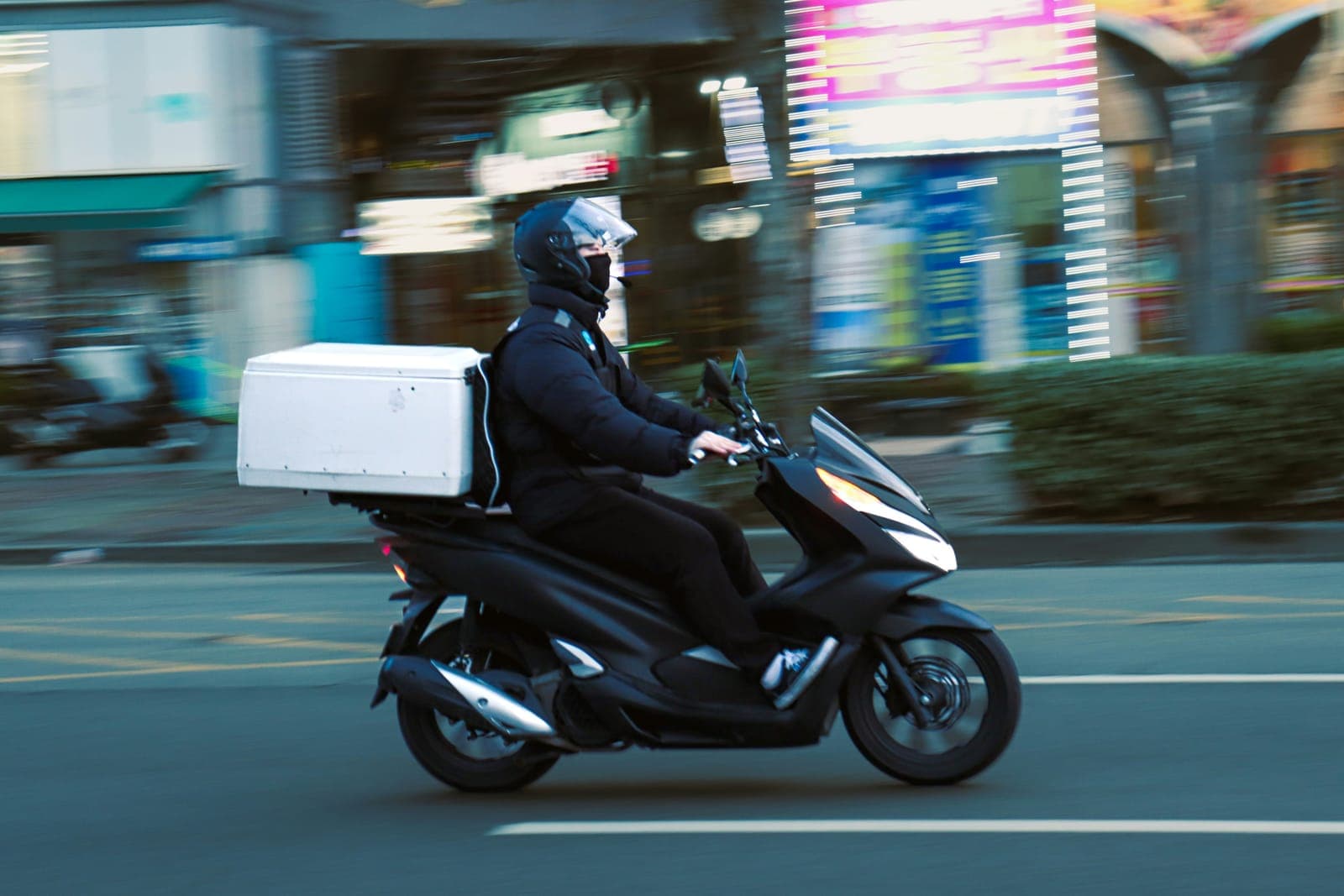
When people picture a delivery app, they picture the customer app: the menu, the basket, and the driver moving across a map. That is one of four parts. The driver app receives each order, shows the route to the address and confirms delivery. The store needs a screen, usually a tablet in the kitchen or at the counter, to accept each order and say when it will be ready. And your team needs a control panel, often called the admin panel, to see every order in one place, assign drivers, manage the menu, prices, delivery areas and fees, and follow the day's sales.
Each part has its own users, screens and rules, so each takes its own share of the delivery app development cost. A single restaurant with its own drivers can sometimes skip the store screen and accept orders in the control panel, because the same few people use both; a business with several branches usually cannot. When a quote mentions only "the app", ask which of the four parts it includes.
The parts exchange data all the time, and much of the work a customer never sees sits in those exchanges. The decisions behind any app's cost, such as phones and languages, are in our general guide; this one stays with delivery.
- 01The customer ordersPicks the items, the address on the map, and card or cash.
- 02The store acceptsStaff accept the order on the store screen and set the preparation time.
- 03A driver is assignedYour team picks a free driver in the control panel, or the system does, by your rules.
- 04The driver deliversThe driver app shows the route, and the customer follows the driver on the map.
- 05The order is closedThe driver confirms delivery, any cash is recorded against them, and the sale reaches your reports.
Your own app or the big delivery apps
The big delivery apps bring what your own app cannot on its first day: customers who do not know you yet, their own drivers, and marketing you do not pay for directly. In return they take a commission on every order, and the customer relationship mostly stays with them: contact details and order history usually remain on their platform, so you cannot easily send last month's customers an offer.
Your own app turns that around. You pay no delivery app a commission on each order, the customer data is yours, and you set the delivery areas, fees and offers. In exchange, you bring customers to the app and run the deliveries, with your own drivers, a delivery company, or both. That is why many businesses keep both: the big apps to find new customers, and their own app for the regulars.
Compare the costs before any design work: a year of commission on the orders the big apps bring you, against the cost of building and running your own app and moving those customers to it. A restaurant whose customers order every week gains the most from its own app; a new business still finding its customers usually starts with the big apps.
- A commission on every order
- Customers who do not know you yet
- Their drivers and their marketing
- Customer details stay on their platform
- No commission to a delivery app
- Customer data stays with you
- You set the areas, fees and offers
- You bring the customers and run delivery
The features that set the price of a delivery app
Lists of food delivery app features run to dozens of lines, and most of them barely move the price. A few move it a lot, because each needs a server working behind it, or a second app reacting to the first.
Live tracking is the largest. The driver's phone sends its location every few seconds, the server passes it on, and the map moves on the customer's screen. That constant data exchange between three parts, plus a map service billed by use, makes live tracking cost more to build and run than a status that moves from "preparing" to "on the way". Driver tracking serves your team too: the control panel shows where every driver is and who is free.
Order assignment comes next. At its simplest, someone on your team picks a driver for each order in the control panel. Automatic assignment follows rules, such as the nearest free driver or one already heading that way, and those rules take time to build and tune. Many businesses assign by hand at first and automate once orders grow.
Payment is the third. Card payments go through a payment gateway, and the app must handle refunds and declined payments, not only successful ones. Many customers in the UAE still prefer cash on delivery, which adds work most quotes leave out: the driver app records the cash taken on each order, and the control panel shows what each driver owes at the end of the shift.
Smaller features such as delivery slots and proof of delivery by photo or code add up too.
One store, several branches, or many stores
The same customer app can serve three different kinds of business, and the price changes with each. The simplest is one store, with one menu, one kitchen or stockroom, one delivery area and one team.
Several branches of one brand add a decision to every order: which branch prepares it. A delivery app for restaurants with several branches usually picks the branch from the customer's address. Each branch then needs its own menu availability, opening times and drivers, and the control panel needs a full view for head office and a narrower one for each branch manager.
An app that brings many independent stores together is a different product, often called a multi-vendor delivery app. Each store joins, manages its own menu and prices, and receives its sales minus your commission. That calls for store sign-up, a panel for each store, and payouts to each, which puts it closer to the big delivery apps than to one restaurant's app, in cost too. Decide which of the three you are building before you ask for a price.
A white label template or an app built around your business
A white label delivery app is an existing product, all four parts already built, that a provider sets up under your name, colours and menu. It is the fastest way to launch, usually sold as a subscription, sometimes with a setup fee. What you give up is control: you work within the template, new features arrive when the provider decides, and your customers and orders sit on the provider's servers.
One question settles it: how close is your business to the standard order of browse, basket, pay and deliver? A restaurant with a fixed menu fits a template well. A grocery that sells by weight and swaps out-of-stock items, a laundry that collects and returns, or a water supplier with returnable bottles and fixed delivery days usually does not, and that is where an app built around your business is worth its higher cost.
Some templates are sold as source code that you host and develop yourself. They look cheaper, but the price often leaves out setup, connections to your systems and maintenance. Whichever route you take, keep the app store accounts in your company's name, and get in writing that you can export your customers and orders.
Running costs that grow with every order
A delivery app costs money each time it is used, so busy days cost more than quiet ones. Map services charge by use for maps, address searches and routes, and live tracking keeps using them while an order is on the way. Text messages with sign-in codes are charged per message, the payment gateway takes a fee on every card payment, and the server works harder as orders and drivers multiply.
How the app is built changes those numbers. Sending locations only while an order is on the way, not all shift, lightens the server's load. Saving addresses a customer has used avoids searching for them again. A simple status instead of a live map on some screens means fewer map charges. These design decisions are cheapest to make before the build starts.
So ask for running costs estimated at your own volume, say a hundred orders a day and a thousand, and see which lines grow. App store accounts and yearly maintenance come on top, but the lines tied to each order are the ones to watch.
What to prepare before you ask for a quote
Before you contact any developer, write down how delivery works in your business today. Who orders, and from where: one store, several branches or many stores? Who delivers: your own drivers, a delivery company or both? How do customers pay, and who checks each driver's cash? How do you charge for delivery? Which systems must the app connect to, such as your point of sale, stock or accounting? And how many orders a day do you expect at launch, and a year later?
That page answers most of what a developer would otherwise guess, so the prices you receive match how your business works. A good developer will still ask more: what happens when a driver cannot reach the customer, how refunds work, whether the menu changes during the day. Each is a situation the app will face in its first week.
We start a delivery app, like every app we build, with a prototype of the customer, driver and store screens you can try on your phone, so the journey of an order is agreed before any code is written. The build is then priced as one fixed price for that agreed scope.