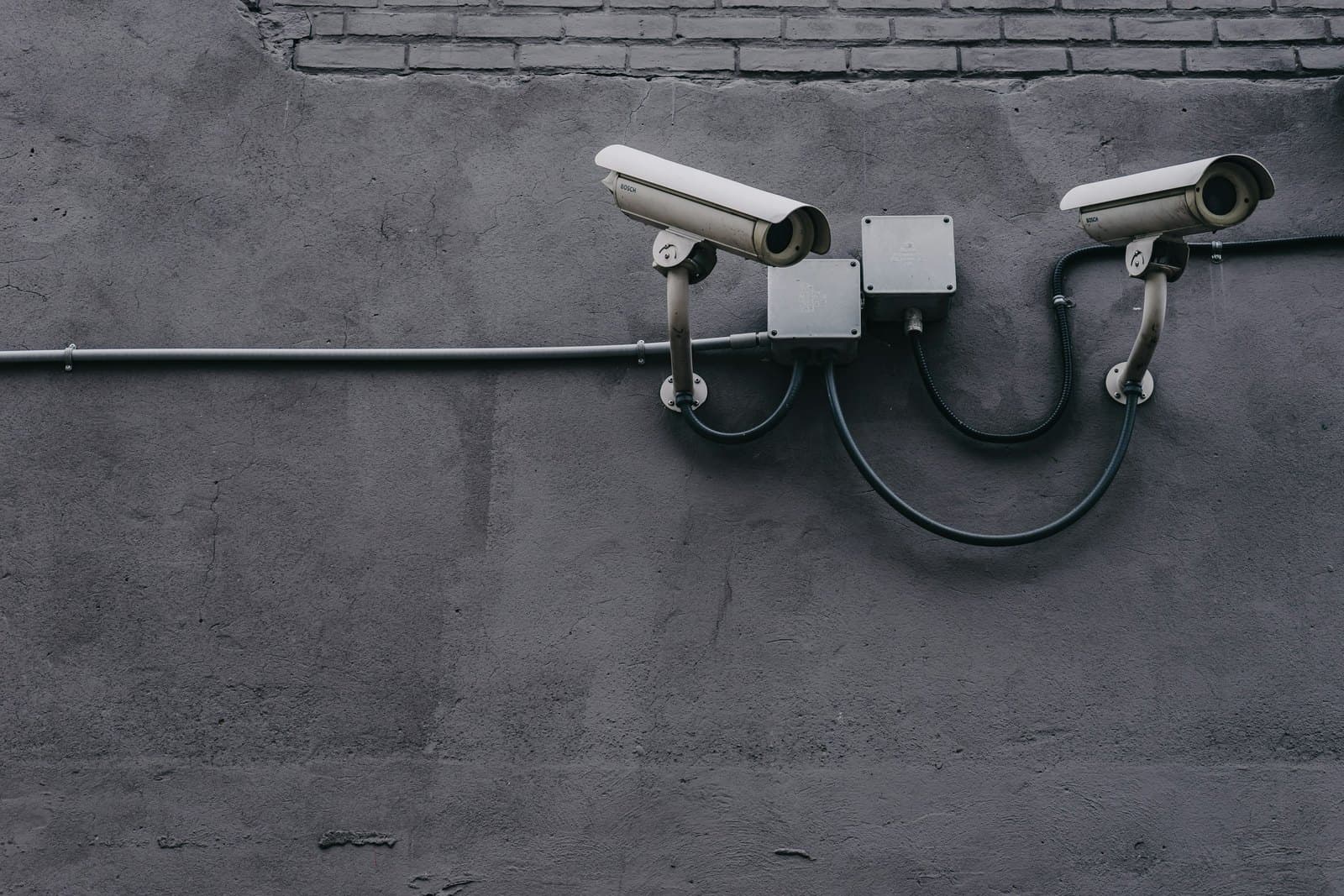
What the price of CCTV installation is made of
Every CCTV quote, whoever writes it, prices the same six things: the cameras, the recorder, the hard disk, the cabling, the installation work and the setup. Phone viewing and backup power are often missing from the list, and they come back later as extras.
A ready-made kit of four or eight cameras with a recorder looks cheaper because it prices only the box. It says nothing about the cable your building needs, the height of the walls or the days of footage you want to keep. A shop with one room and a factory with a yard can both buy that kit, yet only one of them will be well covered.
So the price of CCTV installation follows the site, not the camera count. Each section below takes one line of the quote and shows what makes it rise or fall.
IP or analogue: which CCTV system to install
Two families of cameras are sold in Egypt. Analogue HD cameras send their picture over coaxial cable to a DVR recorder. IP cameras are small network devices that send video over network cable to an NVR recorder, and most take their power from the same cable through PoE (Power over Ethernet).
An analogue system usually costs less to buy, and it suits a small shop that wants four cameras and nothing more. An IP system costs more per camera but gives a sharper picture, reaches further over one cable, and grows by adding cameras to the network. For a company that plans to add branches, gates or a second floor, the IP system is the one that keeps its value.
Some sites keep their old analogue cables and add IP cameras where the picture matters most. A good quote for CCTV installation says which family it uses at each position, and why.
- Costs less to buy
- Records on a DVR over coaxial cable
- Needs a separate power cable
- Suits a small shop with a few cameras
- Costs more per camera
- Records on an NVR over network cable
- Takes power through the same cable
- Suits companies that will add cameras
Choosing the number of cameras and their positions
Start from what the footage has to prove, not from a number of cameras. At the door, a camera must show a face clearly. At the gate, it may need to read a car plate. Over the cash counter or the store, it must show hands and goods. Each of those jobs sets the height, the lens and the resolution of one camera.
Resolution is sold in megapixels. A 4-megapixel camera is enough for most rooms, while an 8-megapixel camera, sold as 4K, earns its price where you must identify someone at a distance. Outdoor cameras need a housing that copes with dust and heat, and night vision that reaches the far end of the yard.
A site survey answers these questions before any price is written. It also finds the places where one wide camera does the work of two, which is where most savings in CCTV installation come from.
How many days the recorder keeps, and the hard disk it needs
The hard disk inside the recorder holds the footage, and its size decides how many days you can look back. When it is full, the recorder writes over the oldest day. Decide that number first: a theft is often noticed a week or two after it happens.
Three things fill the disk: the number of cameras, their resolution and whether they record all day or only on movement. Double the days, and the disk must roughly double too. Recording on movement lets the same disk go back much further, as long as the cameras are set up to notice the right movement.
A recorder also has a fixed number of channels. A quote for CCTV installation should leave a few spare channels if you expect to add cameras, so the recorder does not need replacing later.
Cabling and installation: the work you do not see
Cabling is often the largest line in the price of CCTV installation, and the one that varies most between quotes. Every camera needs a cable run from the recorder or the switch, inside a conduit or trunking, along a route that someone has to plan.
The building sets the effort. A finished office with false ceilings is quick to cable. A factory with high walls, long distances and outdoor runs needs a ladder or a lift, weatherproof boxes and sometimes extra switches. A network cable carries a camera's video and power for up to 100 metres; beyond that, the design needs another switch or fibre.
When cameras share the company network, the switch, its PoE ports and its cabinet become part of the job. That work belongs to the network as much as to the cameras, so check who designs it.
Viewing the cameras on your phone, safely
Most owners want to see their cameras from a phone. The recorder needs an internet connection for that, and an app that reaches it. The cameras keep recording without the internet; only remote viewing stops when the connection drops.
Remote viewing is also the most common way into a CCTV system. A recorder left on its factory password, or opened to the internet without care, can be seen by strangers. The setup should change every default password, give each person their own account and keep the recorder's software updated.
When the CCTV installation is finished, ask who will hold the main password. It should be you, not the company that installed the system.
Power cuts: keeping the CCTV system recording
A recorder that loses power stops recording, and a power cut is exactly when a site is most exposed. A UPS beside the recorder and the PoE switch keeps the system running through a short cut, and lets it shut down cleanly in a long one.
The size of the UPS follows how long you want the cameras to keep recording. A few minutes covers the switch to a generator, while keeping it going far longer needs a much larger battery. Outdoor cameras with their own power supplies need the same thought, or the yard goes dark first.
A quote for CCTV installation that leaves the UPS out is not cheaper; it simply prices a system that stops when the power does.
How to compare two CCTV installation quotes
Before you ask for prices, write a short brief: what each area must show, how many days of footage you want, who will watch the cameras and from where, and whether you expect to add more cameras later.
Then hold each quote against the same checklist. Does it name the camera family and resolution at each position? Does it state the hard disk size and the days it holds? Does it price the cable in metres and the work at height? Does it include phone viewing, the UPS and the handover of passwords? Which warranty comes with the cameras and the recorder, and what does upkeep cost once it ends?
Our own quotes start the same way. We survey the site, agree what each camera must see, and price the whole project once, before any cable is run.
- 01Survey the siteWalk the building, note what each area must show, and check power and network points.
- 02Choose the camerasIP or analogue, resolution and lens for each position, indoor or outdoor.
- 03Size the recorderChannels for today and tomorrow, and a hard disk for the days of footage you keep.
- 04Install and cableRun cable in conduit, mount and aim each camera, and connect the UPS.
- 05Set up and hand overSet what each camera records, connect the phone app, replace the passwords and hand over a camera map.