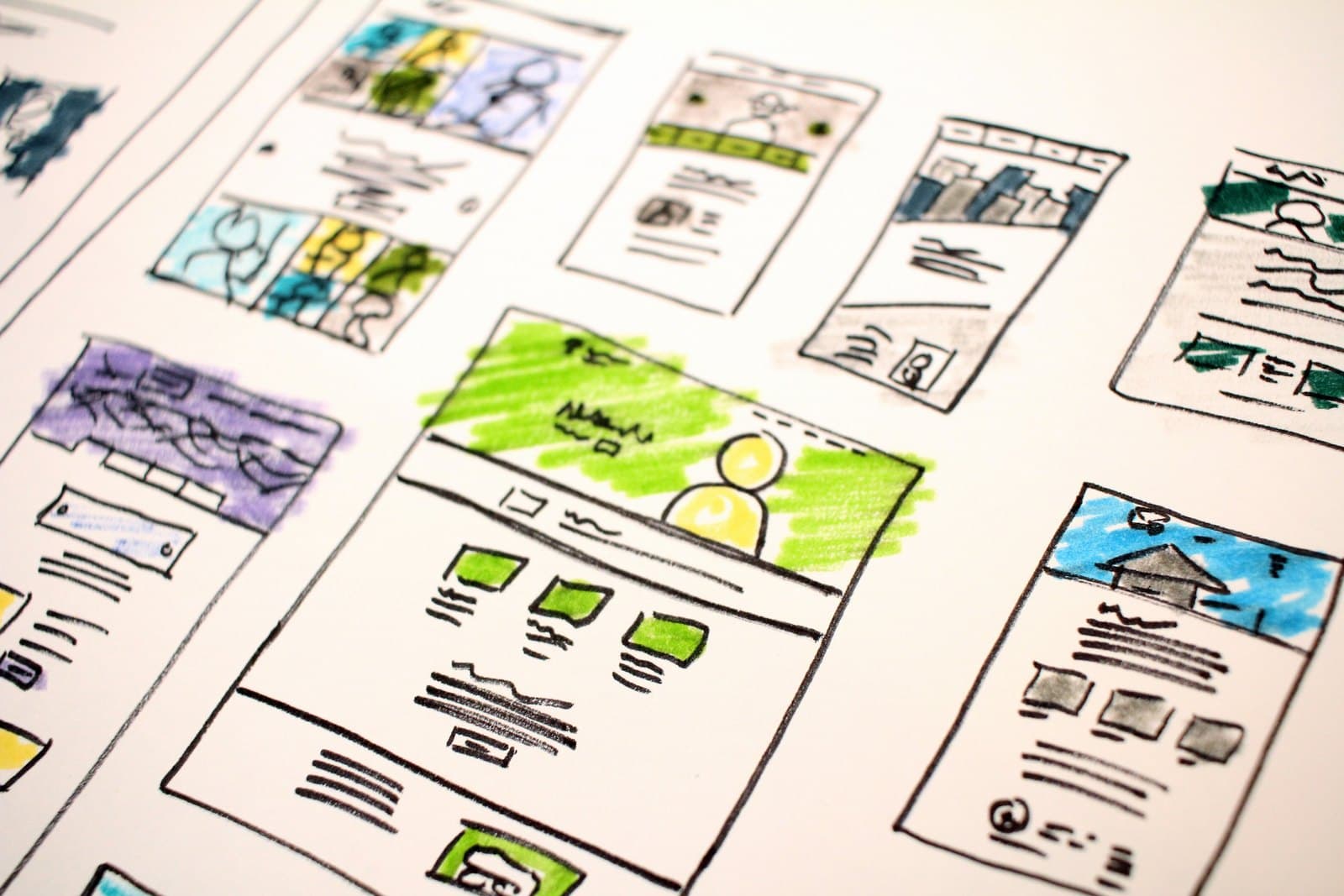
What the cost of website design is made of
Every website is built from the same parts: the design, the content, the development that makes it work, the domain and hosting that put it online, and the upkeep after launch. A quote that shows one total hides which of those you are paying for.
The design, the content and the development are paid once, when the site is built. Hosting, the domain, the security certificate and upkeep return every year. When you compare the cost of website design between two companies, compare both: the build and the yearly running cost.
The number of pages is not what sets the price. What the site has to do decides it, from a simple company profile to a shop that takes payments and updates stock.
A ready template or a custom design: what each one costs
A template is a ready-made design, usually for WordPress, that is adjusted with your logo, colours and text. It costs least and goes live soonest. Its limits show when you want a layout it was not built for, or when many other sites share the same look.
A custom design starts from your brand and your visitors. A designer draws each page first, you approve it, and only then is it built. It costs more, but the site looks like your company alone and can grow without fighting the template.
Most company profile sites in Egypt do well on a good template, which keeps the website design cost low. A custom design earns its cost when the website is how you win clients, or when it must do something no template does.
- Costs the least to build
- Goes live soonest
- Shares its look with other sites
- Suits a simple company profile
- Costs more to build
- Starts from your brand and visitors
- Grows without the template's limits
- Suits a site that wins clients
Pages, content and languages
A company profile site usually needs a home page, an about page, a page for each service, a contact page and a privacy policy. Each extra page adds design and build time, but the content behind it often costs more than the page itself.
Ask who writes the text and who supplies the photos. Text written for search and for your clients takes real work, and stock photos that look like every other site do little for trust. If the quote assumes you will send everything, plan the time to do it.
A site in Arabic and English is close to two sites. Each language needs its own text, and the Arabic version needs a right-to-left layout that is tested, not just mirrored. Include both languages in the website design price from the start rather than adding one later.
The features that raise the price
A contact form costs little. Each feature beyond it adds to the cost of website design: a booking calendar, a member area where clients log in, a search across many products, or a form that sends leads straight into a CRM system.
Online payment is the largest step. An online shop needs product pages, a basket, a payment gateway, delivery rules and a way to manage orders. The payment gateway also has its own requirements and fees, set by the company that runs it, not by the web developer.
Linking the site to the systems you already use adds work too. A shop that updates stock from Odoo, or a form that creates a customer record, saves typing every day but needs to be built and tested.
Domain, hosting and email: the costs that come back every year
The domain is your site's name on the internet, and it is renewed every year. Hosting is the server space that keeps the site online, priced by its speed, storage and the traffic it can take. Cheap shared hosting suits a small profile site; a busy shop needs more. Neither is part of the website design itself, so both often sit outside the quote.
An SSL certificate puts the padlock in the browser and is now expected on every site. Many hosts include a free one, so check whether the quote charges for it separately.
A company email on your own domain looks more trustworthy than a free address. It is a separate service with its own yearly cost per mailbox, so ask whether the quote includes it.
Speed, mobile and search: what every site should include
Most visitors in Egypt arrive on a phone, so a site must work well on a small screen. Ask to see the design on a phone before it is built, not only on a laptop.
Speed matters as much. Large images, too many plugins and slow hosting all make a page wait, and visitors leave before it loads. A good quote for website design in Egypt says how the site will be kept fast.
Basic search engine optimisation belongs in the build: page titles and descriptions, clean addresses, a sitemap and text that matches what people search. Ongoing SEO work after launch is a separate service, and the quote should say which one it covers.
After launch: upkeep and who owns the website
Website design does not end at launch: a site needs care after it goes live. WordPress and its plugins need updates to stay secure, backups must run and be tested, and someone has to fix things when a form stops sending. Ask whether upkeep is included, and for how long.
Ask, too, who will own the site. The domain should be registered in your company's name, and you should hold the passwords for the domain, the hosting and the site's control panel. A site you cannot reach without its builder is a site you do not fully own.
If you want to change text and photos yourself, ask for a control panel you can use and a short handover on how to use it.
Comparing two website design quotes fairly
Start with a single page that describes the site: what it is for, who will visit it, the pages and languages you need, the features it must have, and the systems it must connect to.
Then check each quote against that page. Does it say template or custom design? Does it list the pages and who writes their content? Does it price each feature on its own line? Does it separate the build from the yearly costs of domain, hosting and email? Who will own the domain and the passwords?
We work the same way. We agree what the site must do, show the design before building it, and price the whole project once before work begins.
- 01Agree the briefWhat the site is for, who will visit it, its pages, languages and features.
- 02Show the designDraw the key pages and adjust them until you approve them.
- 03Build and connectBuild the site, add the content, and connect forms, payment or Odoo.
- 04Test before launchCheck every page on phones and laptops, in both languages, for speed and search.
- 05Launch and hand overPut the site online on your domain and hand over every password.