Why a website has no single price
A company site, an online store and a web app share the word "website" and little else. The company site is mostly design and words. The store adds a catalogue, a checkout, a payment gateway, delivery options and every order that follows. The web app adds accounts, permissions and screens built around one process of yours, such as bookings or a customer portal. When two quotes for a website are far apart, check first whether they describe the same one.
That is why the useful first step is a description, not a price: what the site must do for a visitor, and what it must do for your team. Once it is written down, every company you ask prices the same site, and their totals become numbers you can set side by side.
The five decisions that set website development cost
None of the five follows the size of the site. A small site can need two languages and a payment gateway, and a large one can need neither. So work out the cost decision by decision, not by page count.
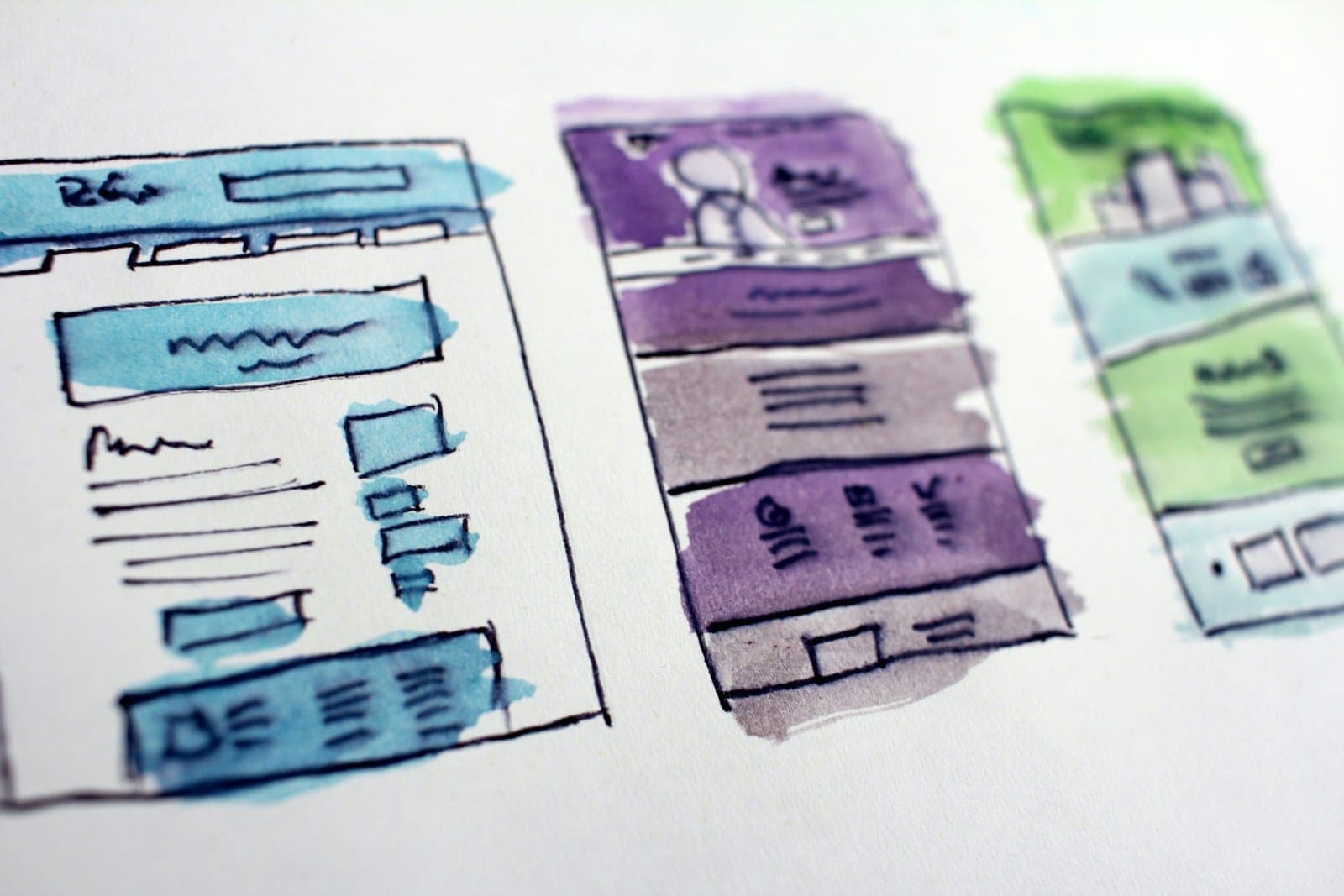
Page layouts are the decision that quotes most often leave vague. Design is priced by the number of different layouts, not the number of pages: thirty service pages that share one layout take far less design work than ten pages that each look different. A quote that says how many layouts it includes tells you more than one that counts pages.
Arabic belongs in the design from the first layout. It reads right to left, so menus, forms, tables and every image with text on it have to work in both directions, and be checked in both. Designed in from the start, the Arabic version is part of the work. Flipped at the end, it turns into a second project.
- 01Choose the kind of siteA company site that introduces you, an online store that sells, or a web app your customers sign in to. Each is a different amount of work.
- 02Count the page layoutsDesign is priced by the number of different layouts. Many pages can share one layout; each new layout is new design work.
- 03Plan both languagesArabic and English from the first layout, with right-to-left pages designed as such rather than flipped at the end.
- 04Decide who writes the contentText, photos and translation. Left out of the quote, they still have to be produced, and the launch waits for them.
- 05Map the connectionsThe site may connect to payments, your customer records, stock in Odoo or another system, and bookings. Every link needs work on the site and in the system it talks to.
WordPress or a custom website: what each one costs you
WordPress is the usual choice for a company site or a content-led store, for good reasons. Much of what such a site needs already exists as themes and plugins, so it is quicker to build, and your team can change text, photos and pages without a developer. That usually makes it the lower cost at the start. Its running cost is upkeep: WordPress, the theme and the plugins all release updates, and a site nobody updates grows slow first and vulnerable next.
A custom build, which we write with tools such as Next.js, React and Python, starts from your process instead of a theme. It costs more at the start and earns it when the site is really an application: customers sign in, book, pay or track something, or the site exchanges data with your other systems as things happen. It also has fewer parts that need security updates, because it contains only what you asked for.
Before either, some businesses try a website builder: a monthly subscription, ready templates and an editor where you drag elements into place. It suits a simple site you will run yourself. Before committing, look at how the price changes as the site grows, test an Arabic page to see that it reads right to left properly, and find out whether you can take the site with you if you leave the platform.
- Quicker to build
- Ready-made themes and plugins
- Plugins need regular updates
- Suits company sites and stores
- Built around your process
- Costs more up front
- Fewer parts to keep updated
- Suits web apps and connected systems
What an e-commerce website costs, and where the money goes
An online store is priced less by how it looks than by what happens after the customer presses pay. The main lines are the size of the catalogue and how products vary, such as sizes, colours or bundles; the payment gateway; the delivery options and their rates; the emails and invoices the store sends; and whether orders and stock flow into your accounts or ERP instead of being typed in twice.
Two costs are easy to miss. The payment gateway charges a fee on each payment, so it is a running cost that grows with your sales rather than a line in the build. And a store that does not know your stock will sell what you do not have. Connecting it to Odoo or the system you already use costs more at the start, and saves the refunds and the apologies later.
What hosting and maintenance cost after launch
Building the site is a one-off cost. Keeping it online is a recurring one, made of a few lines worth knowing before the first renewal arrives. The domain name renews, usually every year, and it should be registered in your company's name. Hosting, the server the site runs on, costs more as traffic grows, and a store or a web app needs more of it than a company site. Paid themes, plugins and outside services, such as a booking tool or maps, renew on their own schedules.
Then comes maintenance, the line a low quote usually leaves out. Someone has to apply the updates, take backups and check that they restore, watch the speed, and fix what breaks when a browser or a plugin changes. On WordPress this is regular work, not an occasional call. Agree before launch who does it and how it is priced, so that it arrives as a budget line rather than a surprise.
How to make website design quotes comparable
Before you ask anyone for a price, write one page: what a visitor should do on the site, the list of pages and how many of them look different, the languages, who supplies the text and photos, what the site connects to, and who will host and maintain it. Send that page to every company you ask, and every quote prices the same website.
Then ask each web design company the same four questions. How many page layouts does the price include, and does it cover the content and the Arabic version? In whose name are the domain and the hosting account, and will we have full admin access and the site's files? What does maintenance cover after launch, and how is it priced? Does the price stay fixed for the scope we agreed? Written answers to all four turn totals into quotes you can compare.
It is also how we start: we agree the site's goal and scope with you first, and fix the price before any work begins.