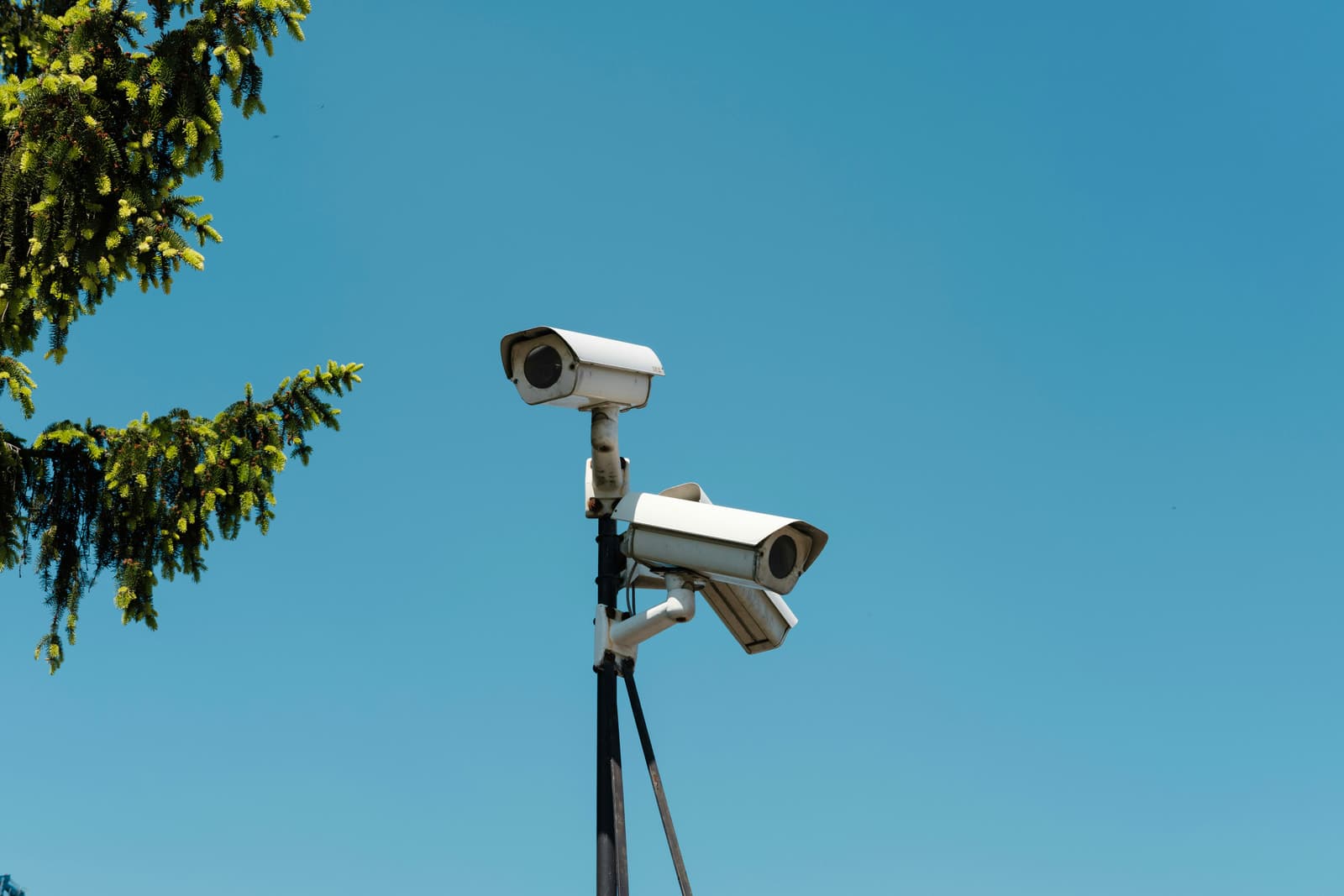
A camera's price is not the price of a system
The price on a camera's box is a small part of what a CCTV system costs a business. Besides the cameras, a system needs a recorder, disks to hold the footage, cable to every position, PoE ports that power the cameras through that cable (on a switch or on the recorder itself), and a battery backup (UPS) that keeps it recording through a power cut. It also takes work to mount, aim and set up each camera. Together, those lines can cost more than the cameras themselves.
Nor is the price of a Wi-Fi security camera bought off the shelf or online any guide to the cost of a business system. It comes with its own app and a memory card inside, and it is made for a room at home. A business system keeps recording when the internet drops, holds weeks of footage in one place, and lets you search every camera from one screen. Compare the two on price alone and you are comparing different products.
The same goes for a ready-made kit of four or eight cameras with a recorder: its price covers what is in the box, not the cabling your site needs or the work to install it.
The lines a CCTV quote should price
A quotation you can act on names every part of the system, not just a camera count and a total. Each line below is work or equipment the system needs, whether the quote mentions it or not. When a line is missing, either it is not included, or it will come back later as an extra.
Ask for each line with the model or the quantity it covers: which camera goes at each position, which recorder, how many terabytes of disk, how many metres of cable. A quote at that level of detail can be checked, and compared with the next.
- 01Check the camerasThe model and resolution at each position, indoor or outdoor, fixed or moving.
- 02Check the recorder and disksChannels and incoming bandwidth for every camera, and disk space for the days of footage you keep.
- 03Ask about the cablingCable to every camera in conduit or trunking, PoE power from a switch or the recorder, and a battery backup.
- 04Check the installationMounting, aiming and sealing each camera, with a lift or a pole where the height calls for one.
- 05Ask for setup and handoverRecording settings, phone viewing, user accounts, and a schedule of what each camera covers.
What moves the price of the cameras and the recorder
The number of cameras follows the positions you need to cover, and the positions follow what the footage has to prove. Our guide to choosing a CCTV system starts there, so settle it before you ask for a price. Each camera's type then sets its price: a fixed indoor camera is the simplest line, an outdoor camera rated for heat and dust costs more, and a moving PTZ camera or a plate-reading ANPR camera costs far more than either.
Resolution raises the price twice. An 8-megapixel camera, sold as 4K, costs more than a 4-megapixel one, and its footage fills more disk space. Pay for that detail where you need to identify a face or a plate, not at every position.
The recorder, or NVR, is sized by the number of cameras it takes and by the combined bandwidth of their video, with spare channels for the ones you may add later. The hard disks are sized by the days of footage you keep: keep twice the days and you need about twice the space, with the same cameras and settings. Recording on motion instead of continuously lets the same disks cover more days, at the cost of gaps between events.
Cabling and installation: the lines that change most between sites
No line moves more from one site to another than cabling. A cable pulled through an open ceiling during a fit-out costs far less than the same run in a finished office, where it goes into trunking along the walls. Outdoor runs need conduit, and a camera at the far end of a car park may need a trench or a pole. A camera more than 100 metres of cable from its PoE port, the standard limit for copper network cable, needs fibre, a PoE extender along the run, or a switch closer to it.
A PoE switch, or a recorder with PoE ports, powers each camera through its data cable, so no position needs its own power point. The battery backup keeps the recorder and any switch running through a power cut, so ask for it in the first quote, not after the first cut.
Installation is priced by the time each position takes. A camera at head height in an office goes up quickly. One under a warehouse roof needs a lift, and one on an outside wall needs a bracket, a weatherproof junction box and a cable route that stands up to the sun.
Wi-Fi cameras or a wired system: what each costs a business
Wi-Fi cameras cost less to buy and nothing to cable. Each one still needs a power point where it hangs, and its picture depends on the Wi-Fi reaching it. Most models sold for homes keep their footage on a card inside the camera or in a cloud plan paid by subscription, so when a thief takes the camera, the card leaves with it. Wi-Fi models made to work with a recorder send their footage to an NVR instead, but their recording still depends on the signal.
A wired system costs more on the first day, because every camera needs its cable. In return, every camera takes its power from the same cable that carries its picture to the recorder, and goes on recording when the internet or the Wi-Fi drops. For one room, Wi-Fi cameras can be enough. For a shop, an office, a warehouse or a site, the cable is what makes the footage dependable.
- Lower price per camera
- No cable to run
- Live view depends on the Wi-Fi signal
- Suits a single room
- Cable and installation up front
- Power and picture on one cable
- Keeps recording if the Wi-Fi drops
- Suits shops, offices, warehouses and sites
What a CCTV system costs after installation
The installation is paid once. Keeping the system recording costs less, but it comes back every year, and many budgets leave it out. Dust settles on outdoor lenses, cameras drift out of aim, firmware needs updates, and the disks, which write day and night, wear out and need replacing during the system's life. The batteries in the backup age too, and a cloud or remote-viewing plan, if you use one, bills again at every renewal.
The check that matters most is also the simplest: is every camera still recording, and does the recorder still keep the days you set? A camera that stopped recording three weeks ago looks fine on the wall. A CCTV maintenance contract, or AMC, exists to catch exactly that, and the market usually prices one by the number of cameras and the visits a year. Agree who maintains the system, and on what terms, before it goes in.
How to compare CCTV quotes before you choose
Before any company prices the system, put your needs on one page: the areas to cover and the incidents you worry about, the days of footage to keep, who needs to watch and from where, whether cable already runs to any position, and how high the cameras must go. Send the same page to every company, and ask each one to survey the site before it prices.
Then put the same questions to each company. Which camera, at what resolution, goes at each position? Which recorder and how much disk, and how many days does that keep at the agreed settings? Are the cabling, conduit, PoE ports and battery backup included, and up to what cable length? Does the price cover setup, phone viewing and a written camera schedule at handover? What warranty covers the equipment and the work, and how is maintenance priced? And does the price change once the scope is agreed?
It is the order we work in too: a survey first, the design on paper second, and then one fixed price for the whole project.