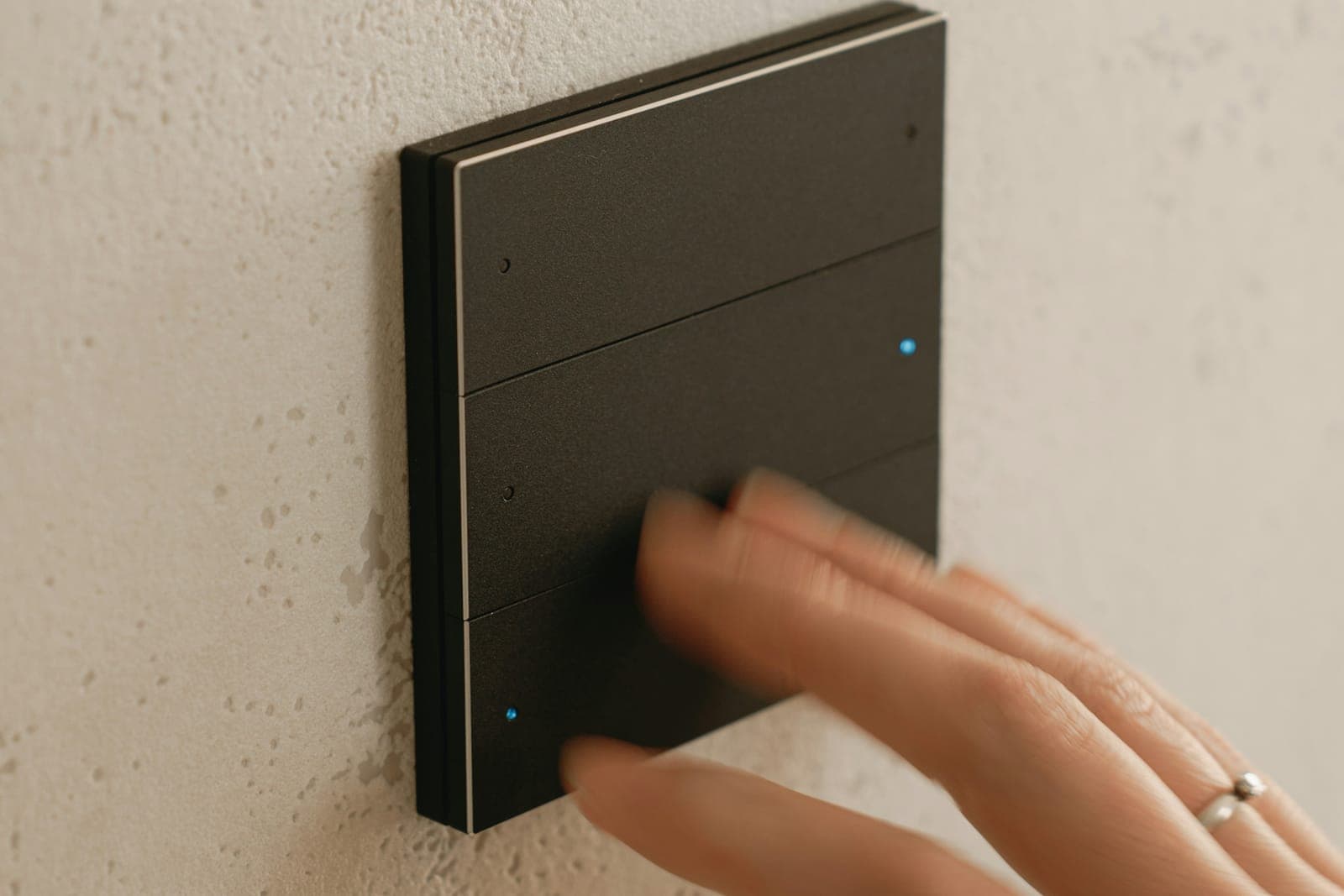
What a smart home system controls, and where to start
Home automation is one system that controls a few things well, not a drawer of separate apps. In a UAE villa, those things are usually lighting, with scenes and dimming; air conditioning, room by room; curtains and blinds; door access and smart locks; cameras; and music or TV in the rooms that need it. All of it answers to one app, to keypads on the wall and to schedules that run on their own.
Start with a list, not a brand. Walk through the villa room by room and write down what should happen: the lights that dim for the evening, the AC that switches off when a room empties, the curtains on the west side that close before the afternoon sun. That list sets the size of the system, and with it the cost, far more than the size of the villa does.
Wired or wireless: what each one means for your villa
A wired system runs a dedicated control cable to every switch, sensor, keypad and curtain motor. Many are built on KNX, an open standard: devices from different manufacturers share the same cable and work as one system. The lights and motors are switched from modules in the electrical panel, and the programming lives inside the villa. There are no batteries in the walls, the system runs without the internet, and no single manufacturer holds it. The one condition is timing: the cable has to be in place before the walls are closed.
A wireless system talks by radio, over Zigbee, Z-Wave, Wi-Fi or Thread, with the Matter standard helping devices from different makers work together. Its switches replace the existing ones, its modules sit behind them and its sensors fix to a wall, so it suits a villa that is already finished. The trade-offs are range and upkeep: thick walls and long villas need more hubs or repeaters, battery sensors need new batteries, and devices only work together through a shared standard or a hub that speaks to both.
Many villas end up with both: wired where the walls are open, in a new extension or a renovated floor, and wireless everywhere else, all in one app. What matters is that the whole thing is designed as one system from the start, not assembled one app at a time.
- Planned before the walls close
- A cable to every device
- No batteries in the walls
- Suits new villas and full renovations
- Fits a villa you live in
- Replaces or sits behind switches
- Needs coverage on every floor
- Suits retrofits and later additions
Pre-wiring a new villa: what to settle before the walls close
If the villa is on drawings or under construction, this is the cheapest moment you will ever have to wire it. The automation design has to reach the electrical contractor before first fix, the stage when conduits and cables go into the walls and ceilings. After plastering, every cable that was missed means cutting into a finished wall.
What pre-wiring needs is mostly cable and space: a control cable to every switch position, sensor and keypad; power and a cable at every curtain for its motor; deeper boxes where keypads will sit; room in the electrical panel for the control modules; and data cable from a network cabinet to every Wi-Fi access point, TV and camera. The AC needs a plan as well, since central systems and split units each connect to automation in their own way.
Put it all in a points schedule: room by room, which lights dim, which circuits switch, where each keypad sits and what each button does. It is what the electrician wires to, what the programmer builds from, and what you compare quotes against.
- 01List what you want, room by roomLights, scenes, AC, curtains, access, cameras and audio, written down for each room.
- 02Choose wired, wireless or bothThe villa's stage decides: on drawings, under construction or already lived in.
- 03Draw the points scheduleEvery light circuit, keypad, sensor and motor, with what each one does.
- 04Pre-wire before the walls closeControl cable, curtain power and network cable go in at first fix, with room kept in the panel.
- 05Test it before you take it overScenes and schedules are set with you, tested room by room, and documented.
Turning a villa you live in into a smart home
A finished villa can go most of the way without opening walls. Smart switches replace the existing ones in the same boxes, small modules behind switches control the circuits, battery sensors fix to walls and ceilings, curtain motors can often use the existing tracks, and the AC is reached through a controller or a gateway. A central hub ties it together, so there is still one app and one set of schedules.
Two checks decide how smooth a retrofit is. The first is the switch boxes: many smart switches need a neutral wire at the switch and a box deep enough to hold them, which older installations do not always have. The second is the network: a wireless home depends on coverage on every floor, and in a large villa that usually means several wired access points rather than one router.
Start where you will feel it every day: lighting and AC in the rooms you use most, and the main door. The rest can follow room by room, as long as each new device joins the same system instead of bringing its own app.
What keeps working when the internet goes down
A smart home should still work as a home when the internet drops, and that depends on where its logic runs. In a well-built system, scenes, schedules, keypads and sensors run on a controller or on the wired control network inside the villa, and the internet is only needed for control from outside and for voice assistants. Devices that work through a manufacturer's cloud can stop responding when the connection, or that cloud, is down.
Ask each installer which functions work without internet, then check at handover by unplugging the router: lights, keypads, AC schedules and door access should carry on. Power comes next. A small backup supply (UPS) for the network cabinet and the controller stops a short power cut from restarting the whole system.
What sets smart home cost, and how to compare quotes
A smart home is priced by what it controls, not by the villa's area. The price is built mainly from the number of control points (light circuits, dimmers, keypads, sensors and motors), the functions you add (AC, curtains, access, cameras, audio), the approach (wired means cable and panel work, wireless means devices and hubs), the platform with its keypads and touch panels, and the programming of scenes and schedules. A large villa with only its lighting automated can cost less than a smaller one where everything is.
Send every installer the same points schedule, and ask each the same questions. Which platform do you propose, and why this one for our villa? Which functions work without internet? Who keeps the programming file and the admin passwords after handover? How are changes and maintenance priced once we live with the system? Written answers make the quotes comparable, and show which installer is designing a system and which is selling devices.
That is how our projects run too: we visit the villa first, learn how you live in it, recommend the platform that fits, and give a fixed quote for the project before installation starts.