What the system actually is
Every system is four parts. A reader on the door takes a card, a PIN, a fingerprint or a face. A controller decides whether to open. An electric lock does the opening. Software holds the rules and the log. Add an exit button inside and an emergency release, and that is one door.
The software is where the value sits. You give each person specific doors at specific times, revoke that in seconds when they leave, and answer the question of who was in the store room on Thursday night from a log rather than a guess. Time attendance is the same data read differently: the first and last tap of the day become clock-in and clock-out.
One detail decides more than the brochure does: a locked door on an escape route must still let people out when the alarm sounds. A magnetic lock has to release on fire alarm and on power loss, with a release beside the door. An electric strike keeps the door secure from outside while the handle always opens from inside. If an installer quotes your doors without asking about escape routes or where the fire panel sits, that is the moment to ask questions.
Card, fingerprint or face
Cards are the cheapest per door and the fastest at a busy entrance, and you can hand one to a visitor for the day. The weakness is the same thing: a card can be lent or lost, so it proves someone held it, not who used it.
Fingerprint ends the lending and stays inexpensive, but it depends on the finger. Dust, cement, cuts and gloves cause repeat failures on a site or in a workshop, and some staff dislike touching a shared surface. In an air-conditioned office it works well. On an accommodation gate at six in the morning it often does not.
Face is contactless, clears a shift-change queue quickly, and cannot be lent. Modern terminals cope with helmets and beards. The cost is a higher price per device, a need for even lighting, and outdoor units genuinely rated for a UAE summer: look for IP65 and an operating range that reaches 50 degrees, not the 40 some datasheets stop at.
Most sites mix them. Face or fingerprint for staff at the main entrance, cards for visitors and contractors, a PIN as the fallback on the server room. The reader is chosen per door, not per company.
- Cheapest per door, fastest tap
- Easy to issue to visitors
- Can be lent or lost
- Fits visitors and low-risk doors
- Cannot be lent
- Low device cost
- Struggles with dust and gloves
- Fits clean indoor doors
- Contactless and fast at shift change
- Copes with helmets and beards
- Costs more, needs even light
- Fits main entrances and big headcounts
From the door to the payslip
Attendance is where the system pays for itself. The tap that opens the door records a time, and the software turns those times into shifts, lateness, overtime and absence by rules you set: a grace period, split shifts for retail, night shifts that cross midnight, reduced hours in Ramadan. That last one exposes software that was never localised, so test it before you buy rather than the week Ramadan starts.
From there the hours flow into whatever pays people, an HR platform or an ERP or a payroll sheet. Payroll still produces the salary file; attendance is not a payroll system. What it hands over is clean hours instead of a spreadsheet typed up on the 28th. Month end goes from days to an afternoon, and one person clocking in for another ends the day you move from cards to face.
- 01Staff tap at the doorThe same event opens the door and records the time.
- 02The controller logs itStored on the device, so a network drop loses nothing.
- 03Software applies your shift rulesGrace periods, overtime, night shifts, Ramadan hours, holidays.
- 04HR reviews the exceptionsMissed taps and late arrivals, a short list rather than every record.
- 05Hours reach payrollWith no retyping, and a trail behind every hour if anyone disputes it.
Sizing it for your site
A small office with one or two doors needs a single controller, a reader at the entrance and an exit button inside, and it can run from a cloud dashboard with no server to maintain. A multi-branch business wants every site on one screen, so HR sees each branch without phoning it and access is revoked everywhere at once.
Warehouses, workshops and accommodation change the hardware, not the software: outdoor-rated readers, a turnstile or full-height gate where a door cannot be held open, vehicle barriers where needed. Worth knowing that a swinging door does nothing about the people who follow a cardholder through, and only a turnstile does. Clinics and schools add visitor management: a printed badge that expires, and a log an auditor accepts.
Two things sit underneath all of it. Readers and face terminals need a network point and power at the door, so the cabling has to reach the doors before the readers do. And linking the system to your cameras means a door event bookmarks the footage, so the store room opening at 02:14 becomes a clip rather than a search.
Mistakes we see in UAE installs
The commonest is a magnetic lock that does not release on the fire alarm, because the access installer and the fire contractor never spoke. The second is an outdoor reader that worked beautifully until July.
Then the quieter ones. The whole database on one PC under a desk with no backup. Access never revoked when staff leave, so someone who left in May still opens the door in September. And a shared master card that turns the audit log into fiction.
Biometric data carries obligations too. Tell staff what is collected and why, keep the templates on a device or a server you control, and know where a cloud provider stores them before you sign. A fingerprint template is not a photograph, but it still belongs to your people.
When a keypad is genuinely enough
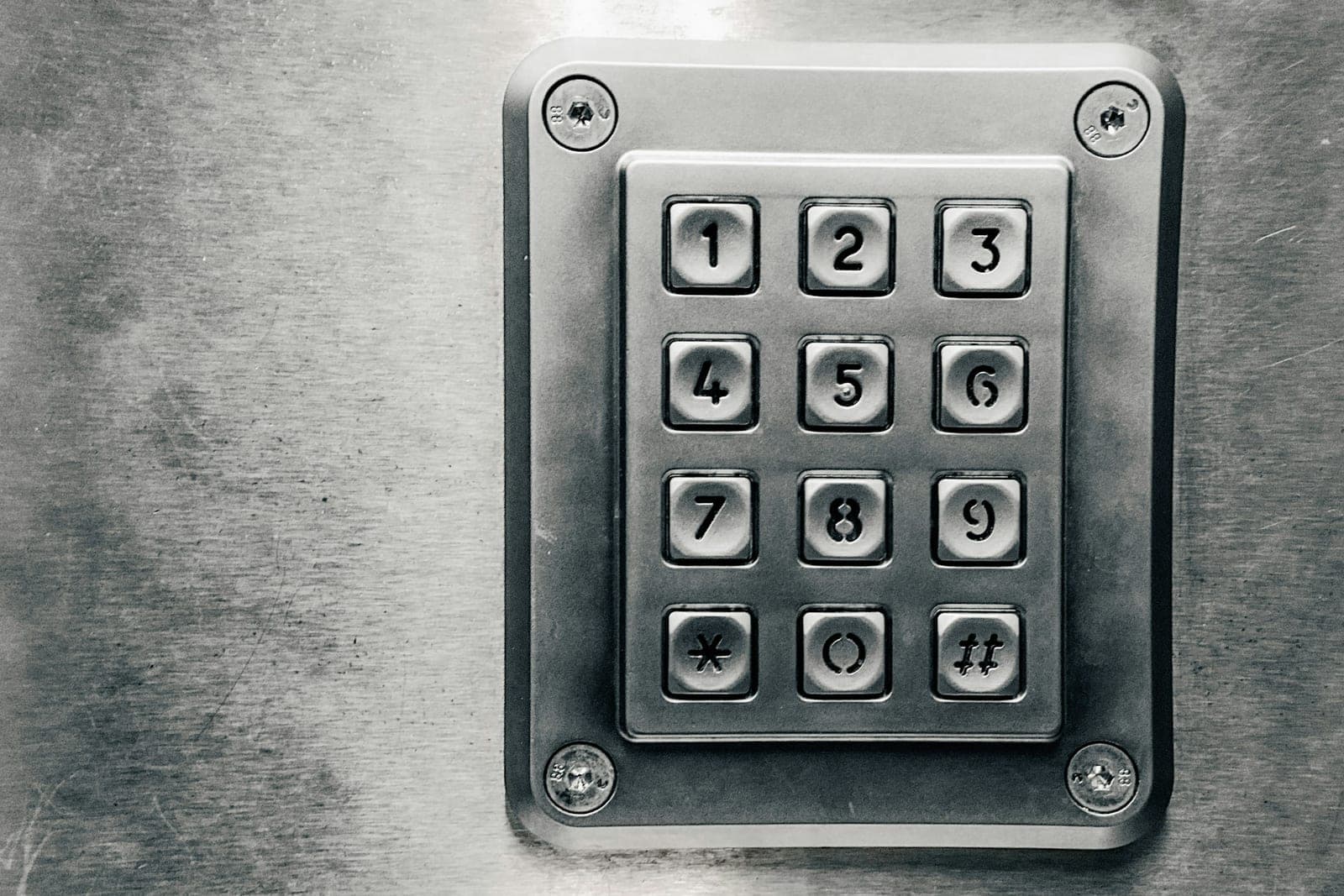
A three-person office with one door and no payroll headache can live with a good keypad lock and the habit of changing the code when someone leaves, and we would say so rather than sell a controller. The calculation changes at around ten staff, or the first month a payroll dispute eats a day, or the first time you need to know who opened a door and cannot. From there it is one of the few security purchases that pays for itself on the HR side before it ever stops an intruder.