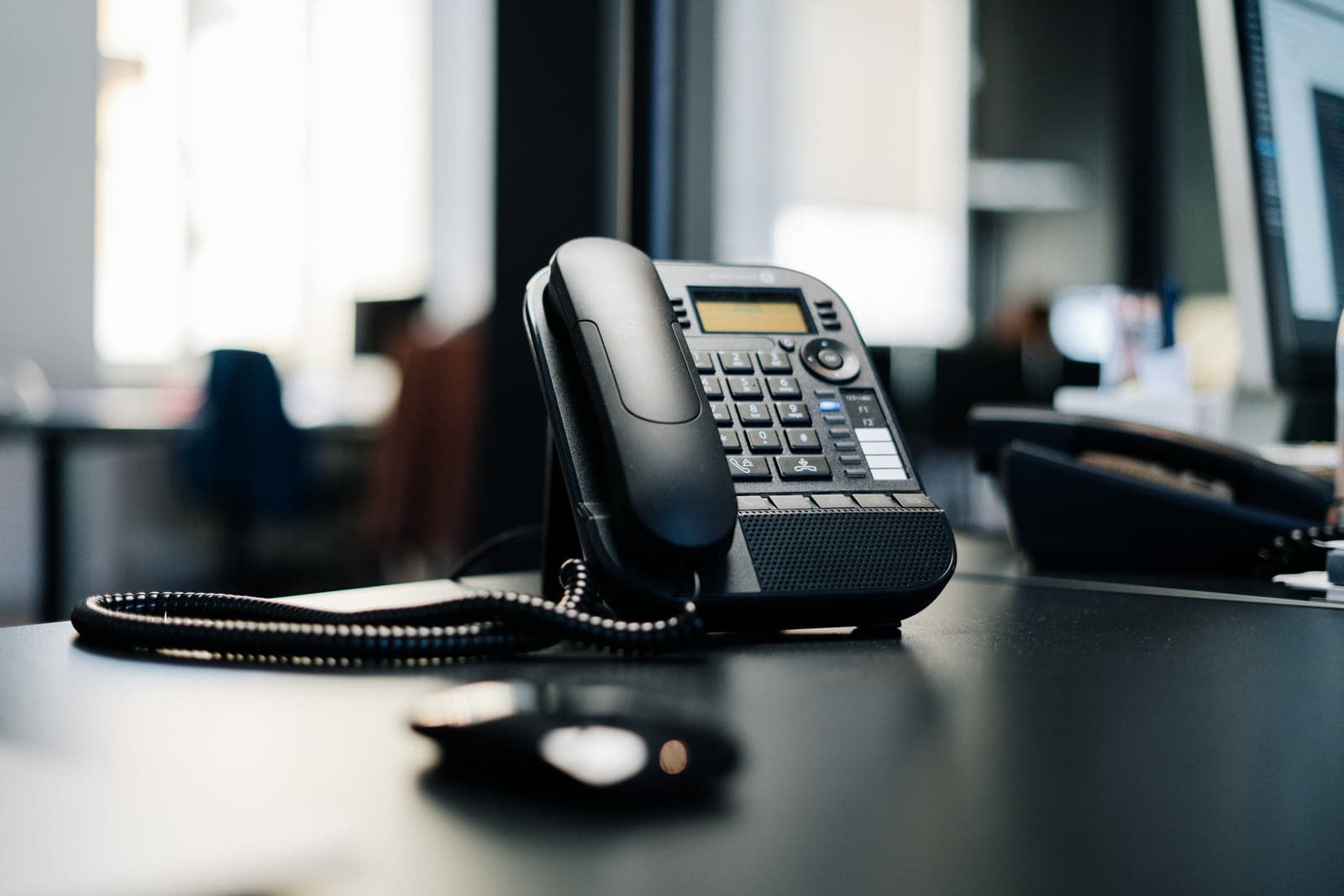
Cloud PBX or a PBX in your office: when you pay, and how much
The PBX is the system that holds your extensions, routes incoming calls and connects the office to the outside line. It can run in one of two places, and each is paid for differently. A cloud PBX runs on the provider's servers, so no PBX equipment sits in your office, and you pay a subscription, usually per user per month. A PBX in your office, sometimes called an on-premise PBX, is a small appliance or a server in your rack that you pay for up front, with software sized to the number of extensions and calls it handles. Some PBX software is charged a third way: a yearly fee set by the number of calls at once, wherever it runs.
Neither is cheaper in every case. A cloud PBX keeps the first bill small, then usually adds a monthly charge for every user. An office PBX costs more on the first day and less each year after, when you pay for software updates and support, or that yearly fee if its software is priced that way. So the answer will depend on how many users you have, how quickly that number changes and how many years you plan to keep the system. A team that is growing, or spread over several branches, usually ends up in the cloud, while a stable team in one office often finds the office PBX costs less over five years.
Two costs come with either choice: the phones, unless staff use an app on their own devices, and the outside line. Some cloud plans include the line, and sometimes a handset, in the subscription, so check what a plan covers before you count them twice. Our VoIP guide covers how calls travel; this article covers what each part costs.
- A subscription, usually per user per month
- No equipment for the PBX in the office
- Users added or removed in the subscription
- Suits a growing team or several branches
- Paid for up front, with software sized to extensions and calls
- An appliance or a server in your rack
- Updates and support, or the software itself, paid each year
- Suits a stable team on one site
What sets the price of an IP phone
IP phone prices rise with what the phone does. A basic desk phone with a small screen covers most staff. A larger colour screen, more line keys and a better speaker cost more, and they earn their price on a reception desk or with a manager who takes many calls. A phone with a camera for video calls costs more again, and conference phones for meeting rooms sit at the top, because they have to pick up voices from every side of the table.
Not everyone needs a phone on the desk. A softphone, the PBX's app on a mobile or a laptop, turns a device the employee already has into an extension and removes the handset cost, though anyone on calls most of the day will want a headset. In a warehouse or a showroom, cordless handsets move with the person and need base stations placed around the building, and each base station adds to the price.
Power changes the sums as well. An IP phone takes its power either from the network cable, through a PoE switch, or from an adapter at every desk. Once there are more than a handful of phones, the switch is the tidier choice.
What the PBX itself costs: users, calls at once and features
IP PBX prices follow the size of the job. The first measure is extensions: usually one for each user, which their desk phone and app can share, plus one for each meeting room or shared phone. The second is how many calls can run at the same moment, which sets both the PBX's capacity and how many channels you need on the line. Twenty staff rarely make twenty calls at once, so a sales team that lives on the phone needs more capacity than an office of the same size that calls now and then.
Features add to the price. Call recording needs storage, and the longer recordings are kept, the more storage it takes. A greeting menu that routes callers to the right team, queues that hold callers until someone answers, and reports on missed calls usually come in a higher plan or as a paid add-on. Linking the PBX to a CRM, so staff see the caller's record on screen, is another add-on and some setup work.
Setting up the call flow is work in its own right, whichever PBX you choose: who answers first, where a call goes when nobody picks up, what callers hear outside working time, and which extensions ring together. A quote should show it as a line of its own, because this is where the system is fitted to the way your team works.
The line and the numbers: a cost billed on its own
The PBX reaches the public phone network through a SIP trunk, the line that carries your calls in and out and keeps your numbers official. It comes from the line provider and is usually billed apart from the PBX, as a monthly charge that depends on how many calls can run at once and how many numbers you hold, plus the calls themselves.
This part of the bill grows quietly. Every extra direct number for a team or a person adds to it, and so does every extra channel as the team grows. Before installation, ask whether your current numbers can move to the new line, because keeping them spares you reprinting cards and updating every place your number appears.
Installation: what the network needs before the first call
An IP phone system runs on the office network, so the network decides much of the installation cost. Every desk phone needs a network point, while a softphone uses the device's own connection and a cordless handset its base station. Where the cabling already reaches every desk, the phones usually share the computers' points, with the computer plugged into the phone, while an office short of points needs new cable runs first.
The switch comes next. A switch that powers the phones through the network cable (PoE) saves an adapter at every desk. The number of phones sets how many powered ports it needs, and its total power budget has to cover every phone at once, more so with video and conference models. Voice also needs priority on the network, so that a large download does not break up a call, and that is configuration on the switch and the router. A small UPS for the switch, the router and the modem, and for the PBX if it sits in the office, keeps the phones working through a short power cut, as long as the line itself stays up. If a cloud PBX needs a small device on site to connect the phones to it, put that device on the UPS too.
Setup closes the installation: creating the extensions, building the call flow, moving your current numbers if you keep them, training staff, and testing calls in and out before the switch-over. In a cloud system most of this is configuration, sometimes with a small device on site that connects the phones to the PBX, while an office PBX adds the appliance and its first setup.
- 01Bring a network point to the deskA cable run to the desk, or a shared point with the computer plugged into the phone.
- 02Give it a powered switch portThe switch powers the phone through the cable and gives voice priority on the network.
- 03Choose the desk phoneA basic model for most desks, a larger screen for reception, a conference phone for a meeting room.
- 04Create the extensionA number of its own, a voicemail box and a place in the call flow.
- 05Route it to the outside lineCalls leave and arrive through the SIP trunk from the line provider.
The running costs once the phones are on the desks
After installation the spending settles into a pattern. A cloud subscription renews every month or year and usually grows with each user. The line charge and the calls arrive every month. An office PBX asks for a yearly amount for software updates and support, or for the software itself where it is priced by the year, and skipping the updates leaves the system on an old version that newer phones may not work with.
Then there is upkeep: adding and removing users as staff change, changing the call flow when the team does, replacing a handset that fails, and checking recordings and backups. On the market, a support contract for a phone system is usually priced by its extensions and sites and the number of visits it includes, so ask what one visit covers.
Leave room to grow. If the team is likely to expand, size the switch, and an office PBX if you choose one, for the headcount you expect in two or three years, because replacing either when it runs out of ports or extensions costs more than the margin would have. A cloud PBX usually grows by adding users to the subscription. Where a PBX is priced by calls at once, in the cloud or in the office, check that its plan covers the users you expect and the calls at your busiest moment.
What to ask before you compare phone system quotations
Before asking for prices, write down what the system has to do: how many users and extensions, how many calls run at the busiest moment, how many numbers and branches, whether calls must be recorded and for how long, who needs a desk phone and who an app, and which systems it must connect to, such as a CRM. Give that list to every company you ask, and ask each one to look at your network before it prices the job.
Then compare the answers. Is the PBX in the cloud or in the office, and what will it cost in the second year? Which phones are included, and how many? How many channels and numbers come with the line, and are calls charged on top? Does the price cover the switch, the cabling, the call flow, moving the numbers and training? Who maintains the system after installation, and how is that priced? How long is the warranty on the phones and the PBX?
We price a phone system after a site visit: once we have seen the network and the cabling and counted the users and the calls that run at once, the whole project gets one fixed price.