What a UPS does in an office, and what it cannot do
An office UPS does three jobs. It carries the equipment through a power cut long enough to finish what it is doing. It smooths out the dips and surges that come down the line, which can restart or damage electronics without anyone seeing a cut. And when a cut goes on, it tells the servers to shut down in order, so no file is lost halfway through being saved.
What a UPS cannot do is keep an office open through a long outage. Its batteries are measured in minutes, and lights, air conditioning and kitchen appliances should never be connected to it. If the business must keep working through a long cut, that is a job for a generator, with the UPS covering the seconds before the generator starts.
Nor does every device need one. Laptops carry their own batteries, and most desktop PCs can afford a restart. The equipment that needs a UPS is the equipment everyone depends on, most of it in the server room or the network cabinet: servers and storage, the firewall, the router and switches, the CCTV recorder, and the phones if they take their power from the network.
Offline, line-interactive or online UPS: the three types
UPS units come in three designs, and they differ in what they do while the power is still on. An offline UPS, also called standby, passes the mains straight through and switches to battery when the supply drops. The switch takes a few milliseconds, which a router or a single PC rides through. It does nothing about dips that stop short of a cut.
A line-interactive UPS adds a voltage regulator, often labelled AVR. It corrects dips and surges without drawing on the battery, so the battery is saved for real cuts and lasts longer. It still switches to battery when the power fails, with the same brief gap. For a network cabinet and a small server, a line-interactive UPS is the usual choice.
An online UPS, also called double conversion, never switches at all. It turns the incoming power into direct current and back into clean alternating current all the time, so the equipment runs from its inverter whether the mains is there or not. That makes it the right type for a server room, for storage and for anything that cannot take a gap. In return, it costs more, runs hotter and louder, and loses a few per cent of the power in the conversion.
Whatever the type, check the shape of the output. Servers and most modern power supplies expect a pure sine wave, the smooth curve the mains provides. Cheaper offline units produce a stepped imitation of it, which some power supplies reject or run hot on.
- Corrects dips and surges with a regulator
- Switches to battery in a few milliseconds
- Costs less and runs cooler
- Suits a network cabinet and a small server
- Runs the equipment from its inverter at all times
- Leaves no gap when the power fails
- Costs more and gives off more heat
- Suits a server room and storage
How to size a UPS: kVA, watts and the real load
UPS capacity is printed in two units, and the smaller one, the watts, is the limit. VA, or kVA for thousands, is apparent power, while watts are the power the equipment actually uses. The ratio between them is the power factor, so a 3kVA UPS with a power factor of 0.9 carries 2,700 watts. To convert kVA to watts, multiply by 1,000 and then by the power factor on the unit's data sheet.
Size an office or server room UPS from the load, not from the labels on the equipment. A power supply's label gives its maximum, and a server rarely draws that. The reliable figure comes from measuring, since many UPS units, smart power strips and servers report the watts in use. Add up every device that will sit on the UPS, at its working load.
Then leave room. A UPS that runs near its limit has little backup time and no space for the next switch or server. Keep the load at about three quarters of the rating or less, which also covers the extra power servers draw as they start.
Keep some things off it altogether. A laser printer draws a burst of power each time it warms up, enough to overload a small UPS, so it belongs on an ordinary socket. The same goes for heaters, kettles and anything with a motor.
UPS backup time: how many minutes you really need
UPS backup time, or runtime, depends on two things: the load and the battery. A unit that carries a light load for a long stretch may last only a few minutes at full load. The relationship is not a straight line: halving the load can more than double the runtime. Makers publish runtime charts for each model, which answer the question better than an online calculator.
For most offices the useful question is not how long the UPS can run, but what must happen before it stops. Brief cuts should pass without anyone noticing. In a longer cut, the servers and storage in the server room need enough minutes to close cleanly. That time is worth measuring once, since some systems take longer to close than people assume.
Some equipment deserves more time than the servers. If staff work from home, the internet line, the firewall and the switches keep them connected while the office is dark. Phones that draw power through the network keep working for as long as the switch does. Where that matters, give the network its own UPS, or choose a model that takes external battery packs, which extend the runtime without a larger unit.
A server shuts down on its own only if the UPS can tell it to. That needs a USB or network connection and the maker's shutdown software, set to close the servers and storage in order when the battery falls to a chosen level. Test it once with a real cut, outside working time.
What each part of an office needs from a UPS
In the server room, the server and its storage need the most care. Put them on an online UPS with a sine wave output, connect the shutdown software, and add a network card if you want an email alert when the power fails. In a rack, a rack mount UPS goes at the bottom, because it is the heaviest thing in the cabinet.
The network cabinet holds the firewall, the router and the switches. A line-interactive UPS usually covers it, sized for the PoE switches, which power phones, cameras and Wi-Fi access points through the network cable and draw far more than a plain switch. If the cabinet also holds the server, one larger UPS can serve both, with the shutdown order set in its software. In a small office with no cabinet, a UPS for the router alone keeps the internet connected.
Cameras record only while the recorder and the switch that powers them stay on, so a gap in power is a gap in the footage. A UPS for CCTV should cover both, along with the router if anyone watches the cameras from outside the office. Door access panels usually carry a backup battery of their own, so check its size before adding the panel to the main UPS.
At the desks, a UPS is the exception. A desktop that runs work nobody can lose, such as the accounts PC in the middle of a long entry, can have a small UPS for that computer alone. Everyone else saves their work and restarts.
UPS batteries: their life, the heat and replacement
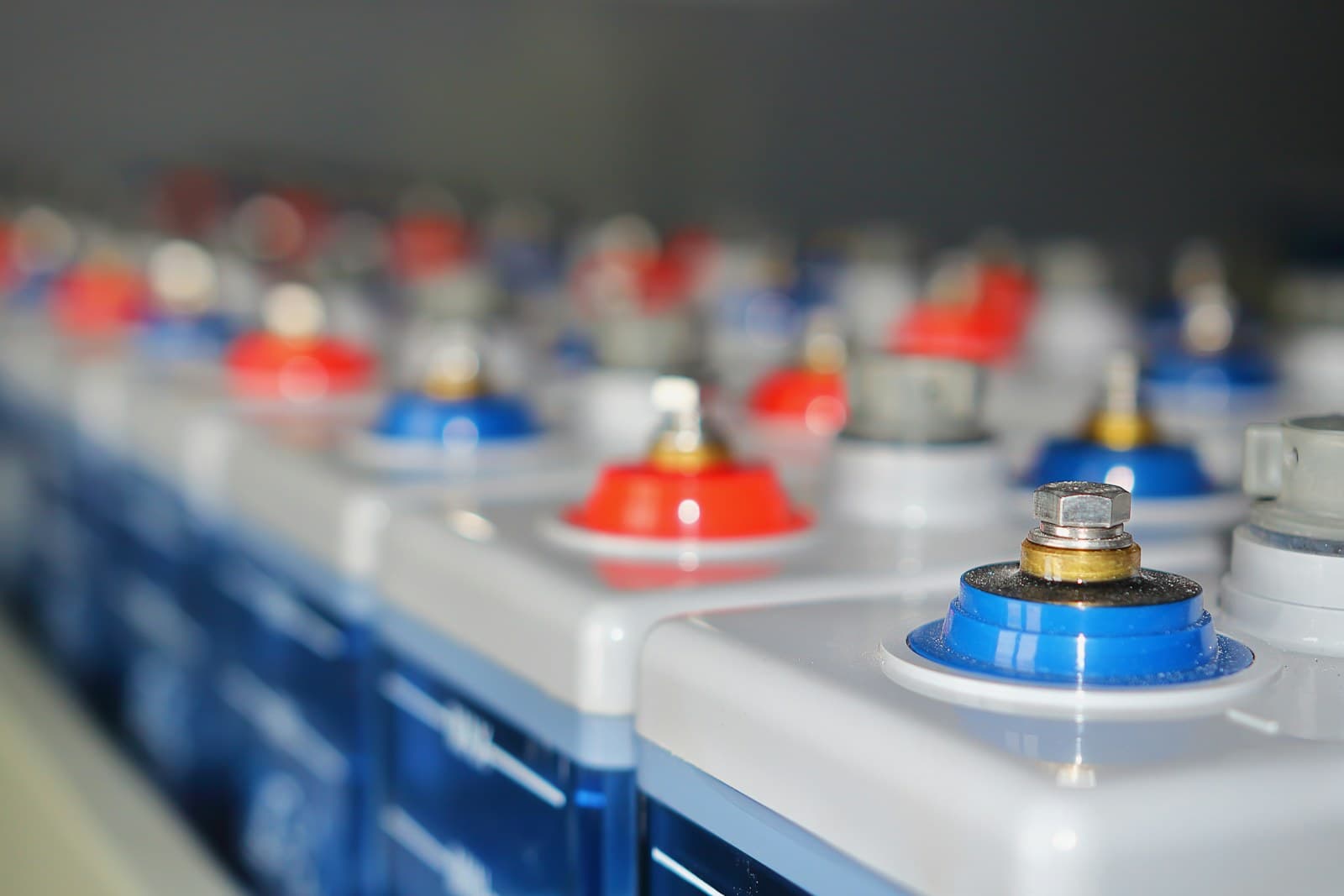
Most office UPS units run on sealed lead-acid batteries. Their life is quoted at three to five years, but that figure assumes a room at about 25°C. Battery makers' own guidance is that life falls by roughly half for every 8 to 10 degrees above that, which is why a UPS in a warm storeroom can need new batteries after two summers.
So the UPS belongs in the cooled room with the equipment it protects, with space around its vents. It also gives off heat of its own, an online UPS more than the others, and that heat belongs in the room's cooling plan.
Lithium-ion UPS batteries cost more at the start, but they last longer, weigh less and cope better with heat. For a server room that will run for many years, the longer life can outweigh the higher price, so ask for both options.
Most UPS maintenance is looking after the battery, which seldom fails all at once. The signs are a failed self-test, a warning light or alarm, a runtime that keeps shrinking, or a case that swells. UPS battery replacement is done as a set: change them together, write the date on the unit, and put the next change in the running budget. Many maintenance contracts treat UPS batteries as consumables and leave them out, so check yours.
What sets UPS prices in the UAE, and how to compare quotes
There is no single UPS price in the UAE, because a UPS is priced on what it must carry and for how long. The type sets the base: an online unit costs more than a line-interactive one of the same size. Capacity comes next, then runtime, since each external battery pack adds to the price. A rack mount design, a network card and lithium-ion batteries each add their share.
Then comes the work around it. A larger UPS may need its own circuit from an electrician, and a rack unit needs mounting. Setting up the shutdown software and testing it takes time, and it is the part most often missing from a cheap quote. Over the years, most of the running cost is new batteries, plus the power an online UPS loses in conversion.
Quotes compare only when they answer the same brief. A quote for a 3kVA server room UPS says little on its own. Check which type it is, what load it was sized for, what runtime it gives at that load, and whether the installation and the shutdown setup are included.
- 01List the equipmentEvery device that must stay on: servers, storage, network, CCTV and phones.
- 02Measure the loadThe watts each device draws at work, not the maximum on its label.
- 03Set the backup timeMinutes for a clean shutdown, or longer for the network.
- 04Choose the typeOnline for servers and storage, line-interactive for the network.
- 05Plan the shutdownSoftware that closes the servers in order, tested with a real cut.
- 06Plan the batteriesTheir expected life in your room, and the cost of replacing them.
How we supply and install a UPS
We start with a list of what must stay on in the office or server room, and a measurement of what it draws. From that we recommend the type, the size and the runtime of the UPS, and explain the choice in writing.
We then supply the UPS, mount it, connect the shutdown software to the servers and storage, and test it with a real cut. We mark the battery date on the unit. The whole job is quoted as one fixed price before we start, along with what it includes.